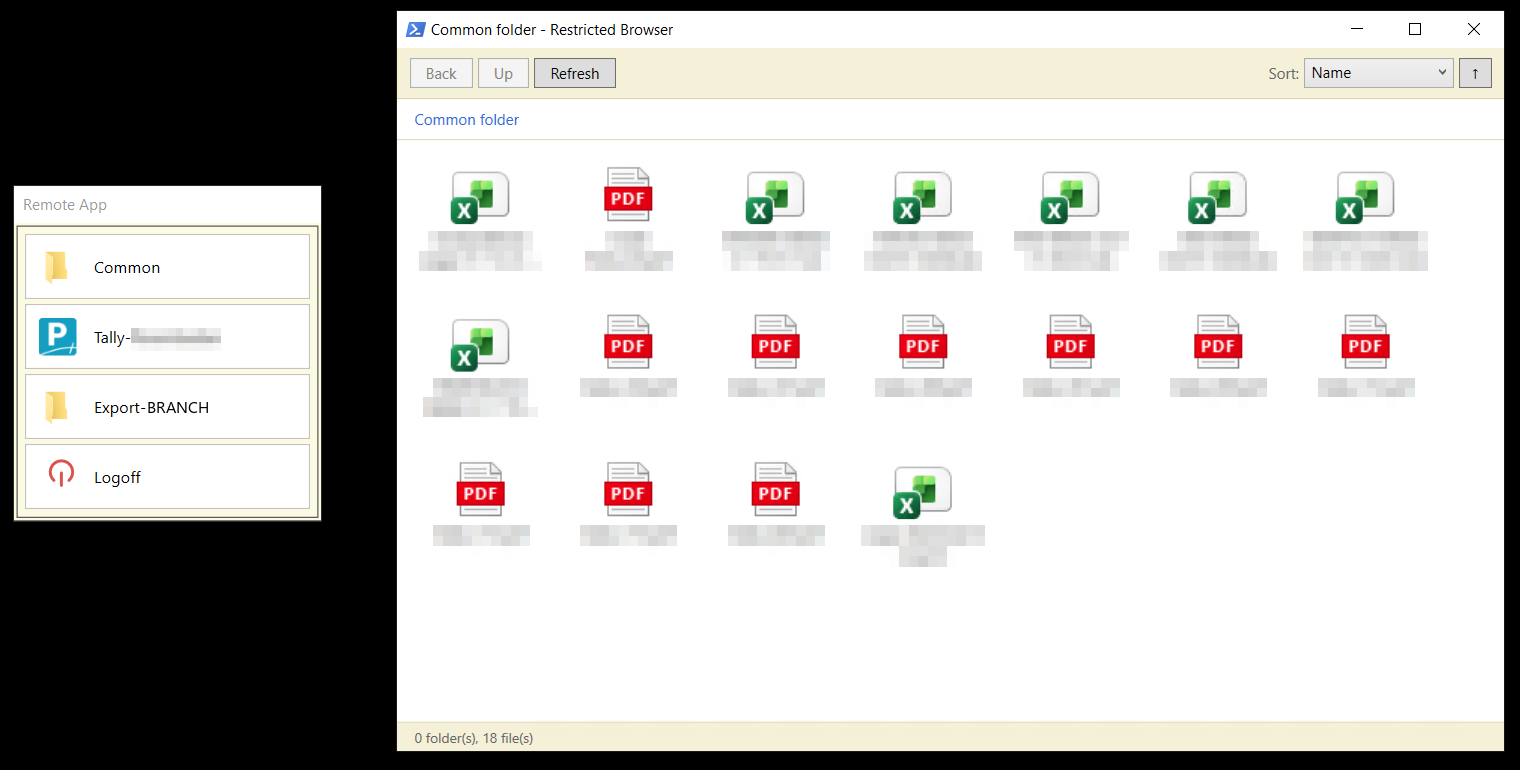
A retail chain with branches spread across the district was keeping accounts on separate PCs, with files moving around by pen drive. Now every branch logs in to one server instead, and the books live in one place.
What a branch user sees when they connect isn’t Windows. It’s a small menu — their Tally, their own folder, the shared folder, and log off. No desktop, no Start menu, no way to wander into anyone else’s data. The file browser they get is boxed into their own folder and refuses to run programs, so a stray attachment can’t turn into an incident. Each branch’s access follows from who they are, set once and handed out by the domain.
Setup isn’t done by hand. Scripts create the accounts, build the folders, and grant each branch its own permissions from a single spreadsheet, so adding a branch is a row and a re-run. A read-only health check reports on the whole setup — licensing, logon rights, folder rights, the shell — before anyone notices something is off.
Data is backed up nightly to a dated snapshot that syncs to the cloud, and old snapshots are only deleted after the new one is verified good. If the source folder ever goes missing or suddenly shrinks, the backup aborts rather than overwriting good history with bad.
Thirty branches, one server, and nobody carrying files around anymore.